
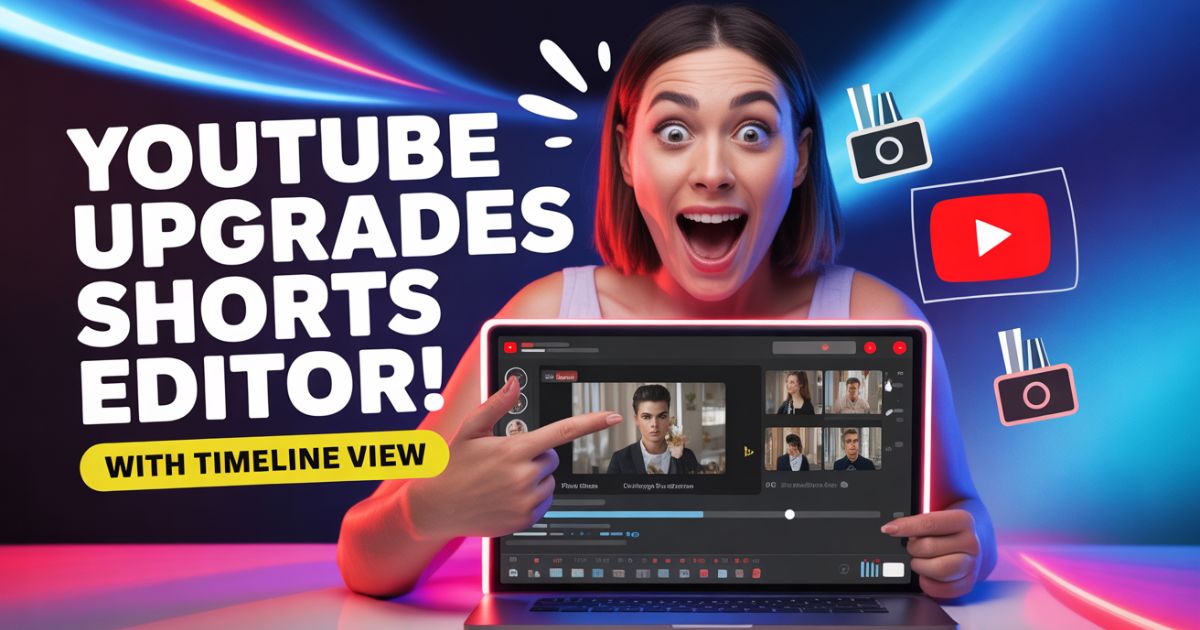
YouTube Upgrades Shorts Editor to make short-form video editing smoother, faster, and more precise for creators. The new timeline view feature gives users better control over audio, text, and effects, making it easier to sync clips perfectly within the YouTube app.
What’s New With the YouTube Shorts Editor
The latest update to YouTube Upgrades Shorts Editor introduces a professional-style timeline view that allows creators to layer and manage different elements more efficiently. Instead of basic trim and cut options, the new editor offers a multi-layer interface similar to what is found in desktop editing software.
Now creators can:
- Add & adjust text layers directly on the video timeline.
- Sync sound effects or background music with visual cues.
- Fine-tune clip placement for frame-by-frame precision.
- View audio waveforms for better sound control.
This improvement means creators no longer need to rely on third-party apps for detailed edits, saving both time & effort.
Why the Timeline View Matters
For millions of Shorts creators, this enhancement in YouTube Upgrades Shorts Editor changes how they produce short videos. The timeline view helps users visualize how their edits align across multiple elements like music, filters, and transitions, ensuring a polished final output.
Short-form content on YouTube has grown significantly, contributing over 70% of overall channel engagement for many creators. The new timeline editor aims to support that growth by offering tools that match professional editing standards.
More Control, Less Guesswork
YouTube Upgrades Shorts Editor adds an intuitive editing experience within the app itself. With the timeline view, users can tap, hold, and drag to reposition clips or edit durations in real time. It also helps avoid the guesswork that often came with basic touch-based editing interfaces.
Creators can now:
- Preview timing changes instantly.
- Adjust captions to match dialogue precisely.
- Align music beats with visual transitions.
This level of precision is particularly useful for creators working on trending sounds, reaction videos, and brand collaborations.
Rolling Out to Creators
The new YouTube Upgrades Shorts Editor with timeline view is being rolled out gradually across Android and iOS devices. YouTube confirmed that the rollout will expand globally in the coming weeks. Users are advised to update their app to access the latest version.
Alongside this update, YouTube is improving audio library access and sound recommendation tools, allowing creators to pick trending sounds more easily while editing.
YouTube’s Focus on Creator Tools
YouTube’s recent product updates show a clear commitment to enhancing creator experience. The YouTube Upgrades Shorts Editor feature fits into a broader plan to make Shorts editing competitive with TikTok & Instagram Reels. The platform continues to refine creator-focused tools that balance creativity with simplicity.
According to YouTube’s product team, the goal is to bring advanced editing flexibility to mobile creators without requiring external software or editing skills. The result is a more integrated creation workflow from recording to publishing.
Final Thoughts
YouTube Upgrades Shorts Editor marks a major step forward in mobile video creation. The timeline view brings desktop-level editing control to smartphones, allowing creators to manage audio, effects, and timing with accuracy.
With short-form video consumption still climbing, this update empowers creators to produce engaging Shorts directly within the YouTube ecosystem, no extra tools required.